
Meet your next show.
Browse shows, read what they’re about, and check where they may be available in your country.


TV discovery, made personal
Find something new to watch. Save your favorites and keep track of what you’ve watched.
Discover shows. Save favorites. Make it your kind of night.
How it works
Browse a little, discover something that fits, and keep the shows you want to come back to in one place.
Browse shows, read what they’re about, and check where they may be available in your country.
Tell TvBinge what you enjoy. If you choose personal picks, shows you like and your feedback can help shape the suggestions.
Save shows to your Library and track what you’ve watched. Saving a show and marking it watched are separate choices.
A first look inside
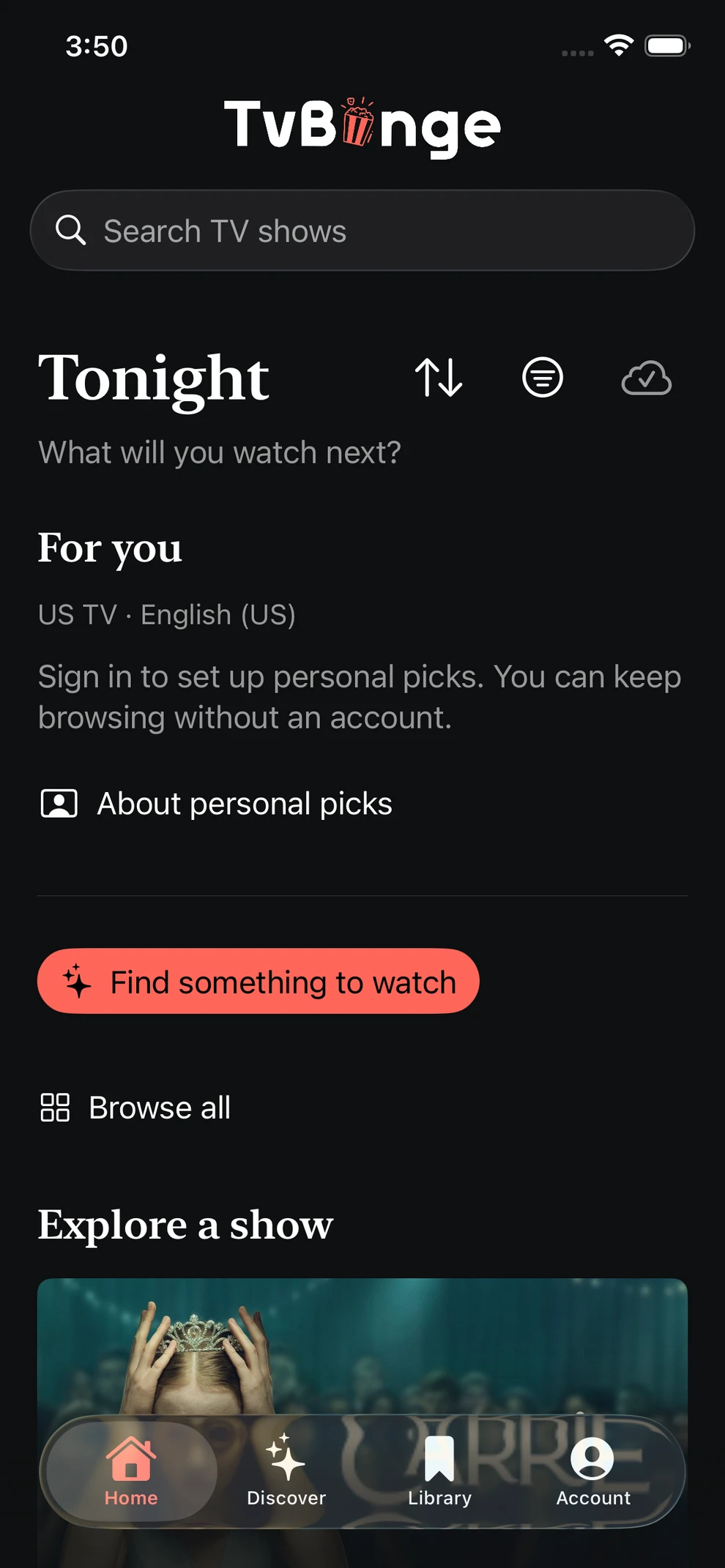
Browse shows, find personal picks, and choose what feels right for tonight.
Explore TV shows without an account.
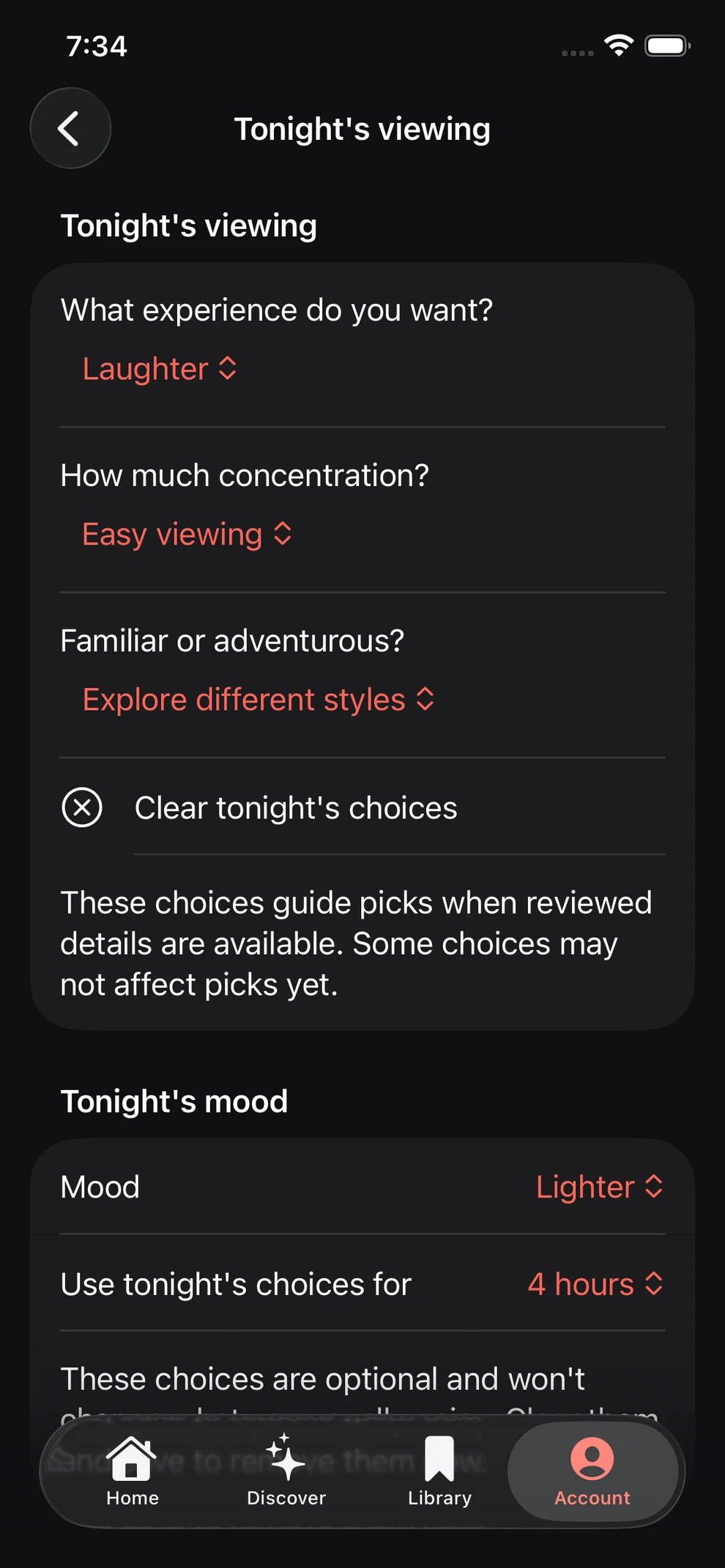
Choose a mood and how long it applies.
A night with something in mind
“Something light.
A little out of
the ordinary.”
What you feel like watching can change from night to night.
Made for you
Keep track of what you enjoy and tell TvBinge what you’re in the mood for today.
Tell TvBinge what you enjoy and choose a few shows you like.
Tell TvBinge what you’re in the mood for and how long you’d like that mood to apply.
See where a show may be available in your country. Availability can change, so check with the streaming service.
Your viewing, your choices
Start by looking around. Choose whether to sign in and set up personal recommendations when you’re ready.
Explore your data controlsBrowse TV shows before deciding whether to set up personal picks.
Personal picks are off until you choose to turn them on. You’ll need an account, and you can change your choices in the app.
Save shows you want to return to, mark what you’ve watched, or give feedback on a suggestion. Each is a separate choice.
Less searching. More discovering.
Get to know TvBinge, or find answers to your questions.